Everything GoodPDF does
Ten tools that cover a PDF from the first edit to the final signature — all in one native Mac app.
Edit
Text, images and links — all editable in place, with the original font matched for you.
Learn moreAnnotate
Highlight, draw, stamp, comment — six ways to mark up a page.
Learn moreSign
Put your signature on an agreement or invoice without printing it.
Learn moreOrganize
Drag page thumbnails to reorder. Split, rotate, crop and delete.
Learn moreProtect
Set or remove a password — one document, or a whole folder at once.
Learn moreCompress
Get a heavy PDF down to a size an email will actually accept.
Learn moreSplit
Pull one page — or a range — out into its own file.
Learn moreCombine
Merge several files into one document, in the order you choose.
Learn moreCreate
Start from images, a text file, the clipboard — or a blank page.
Learn moreOutline
Rebuild the table of contents so readers land where they need to.
Learn more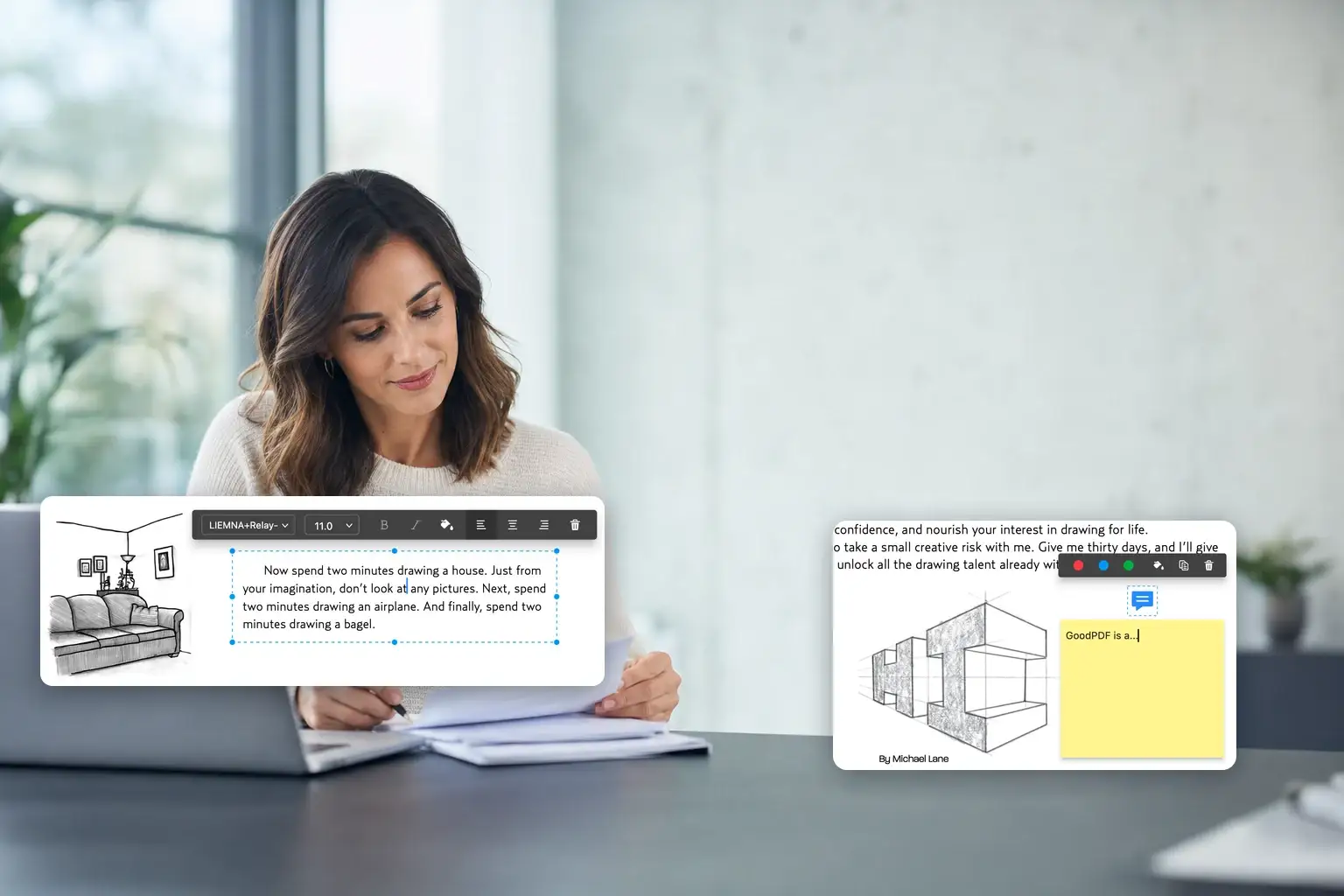
See it on your own files
Every tool on this page works in the free version.