01 · Edit
Edit PDF Document like Word
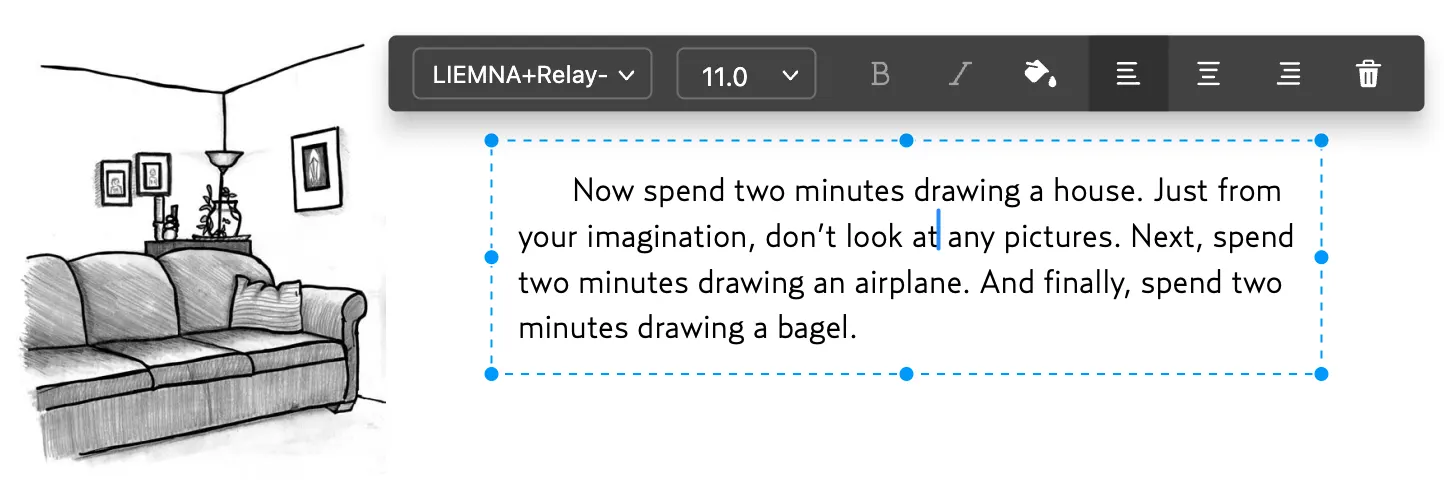
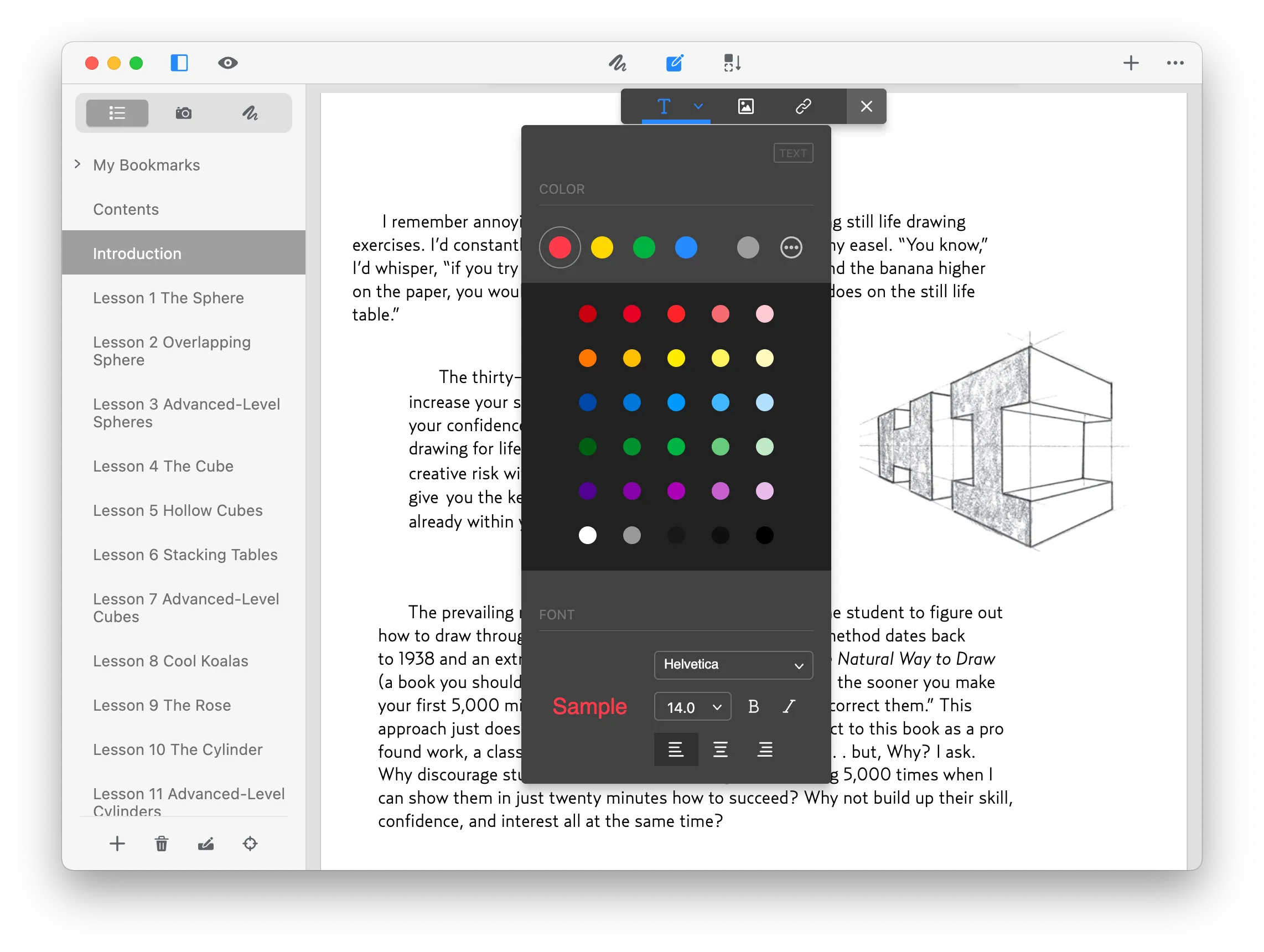
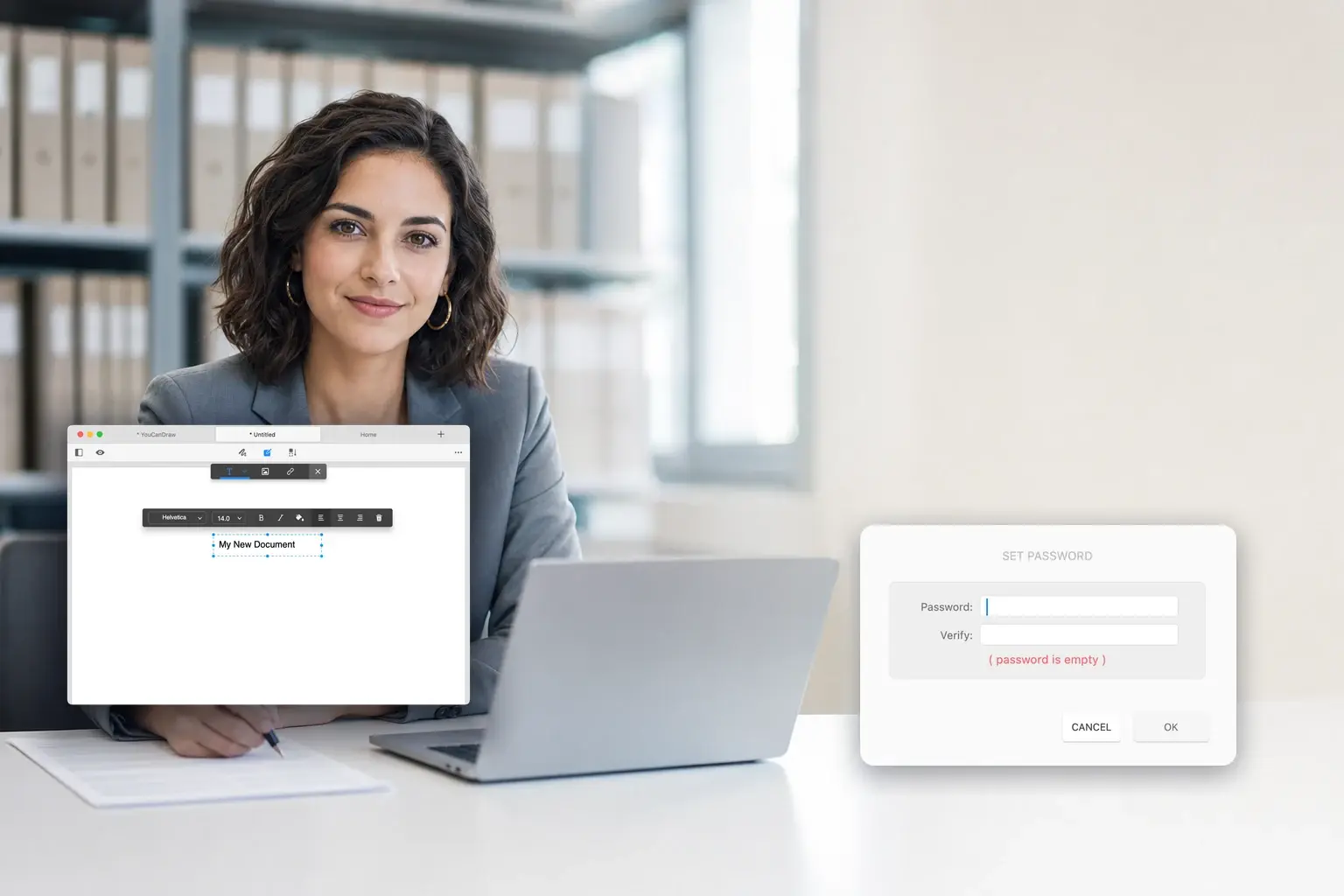
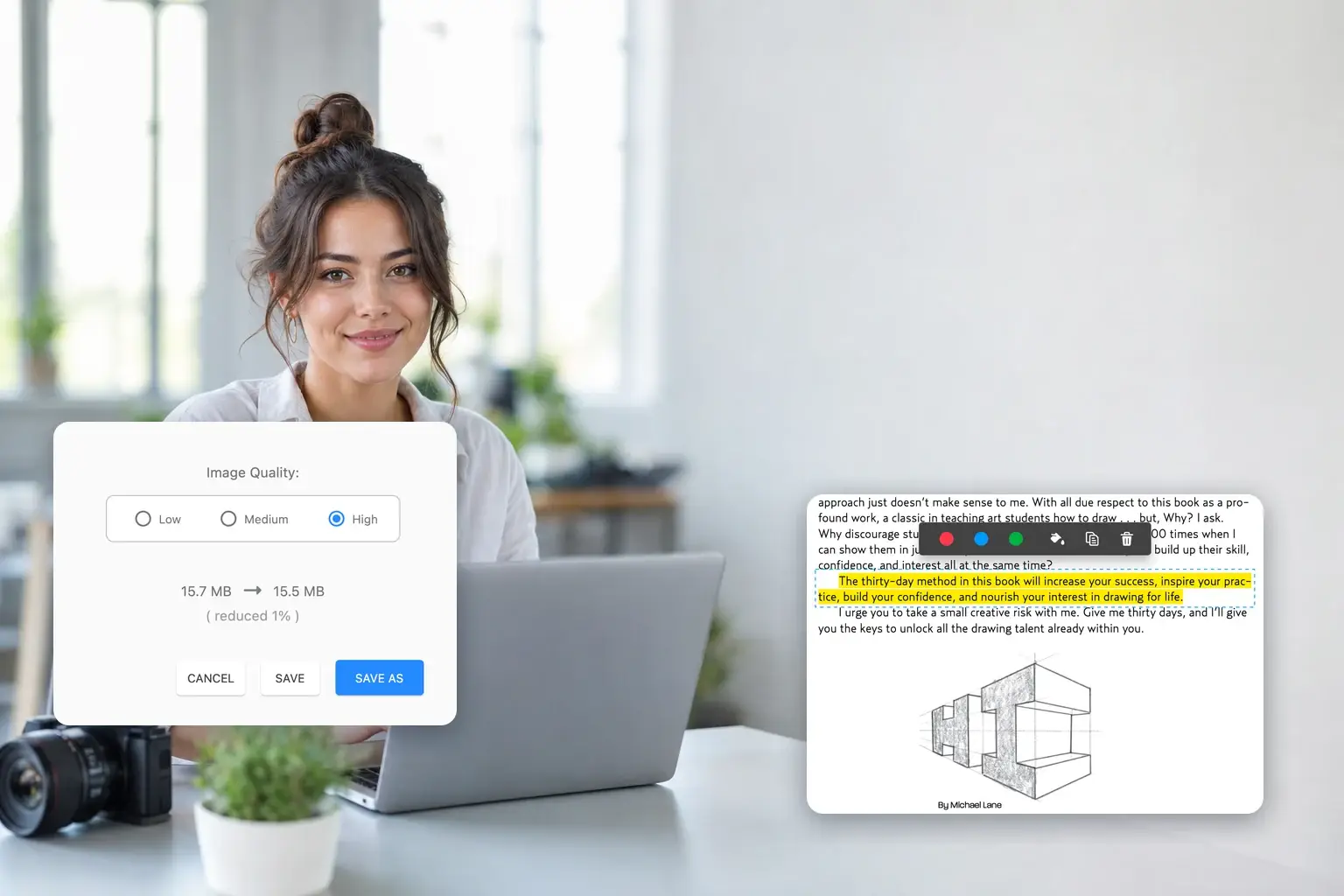
Edit a PDF the way you want. GoodPDF detects the original font, size and opacity so edited text blends in, and lets you add, replace and move images.
- Edit PDF text
- Edit images in PDFs
- Add links to PDFs
Edit, annotate, sign and organize PDFs in one desktop app
Free to use · GoodPDF Pro is $9.99, once · No subscription
The most cost-effective PDF Editor: cheapest, smallest, fastest, and most practical.
Since 2015
Shipping and supported
1,000,000+
Downloads to date
4.7 / 5
hundreds of reviews
$9.99
One-time price, no subscription
Everything it does
Ten tools that cover a PDF from the first edit to the final signature — one PDF editor rather than ten single-purpose utilities.
Text, images and links — all editable in place, with the original font matched for you.
Learn moreHighlight, draw, stamp, comment — six ways to mark up a page.
Learn morePut your signature on an agreement or invoice without printing it.
Learn moreDrag page thumbnails to reorder. Split, rotate, crop and delete.
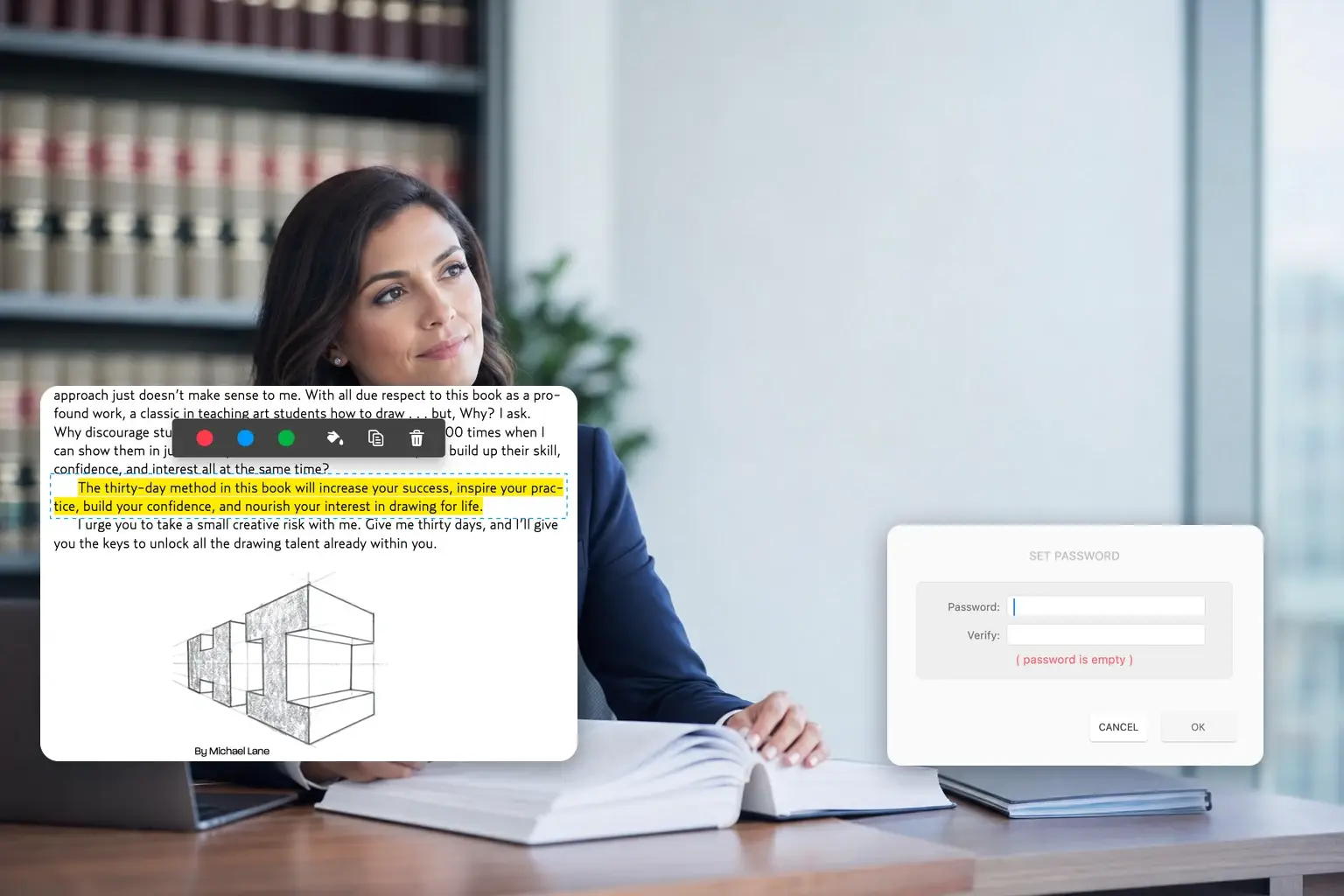
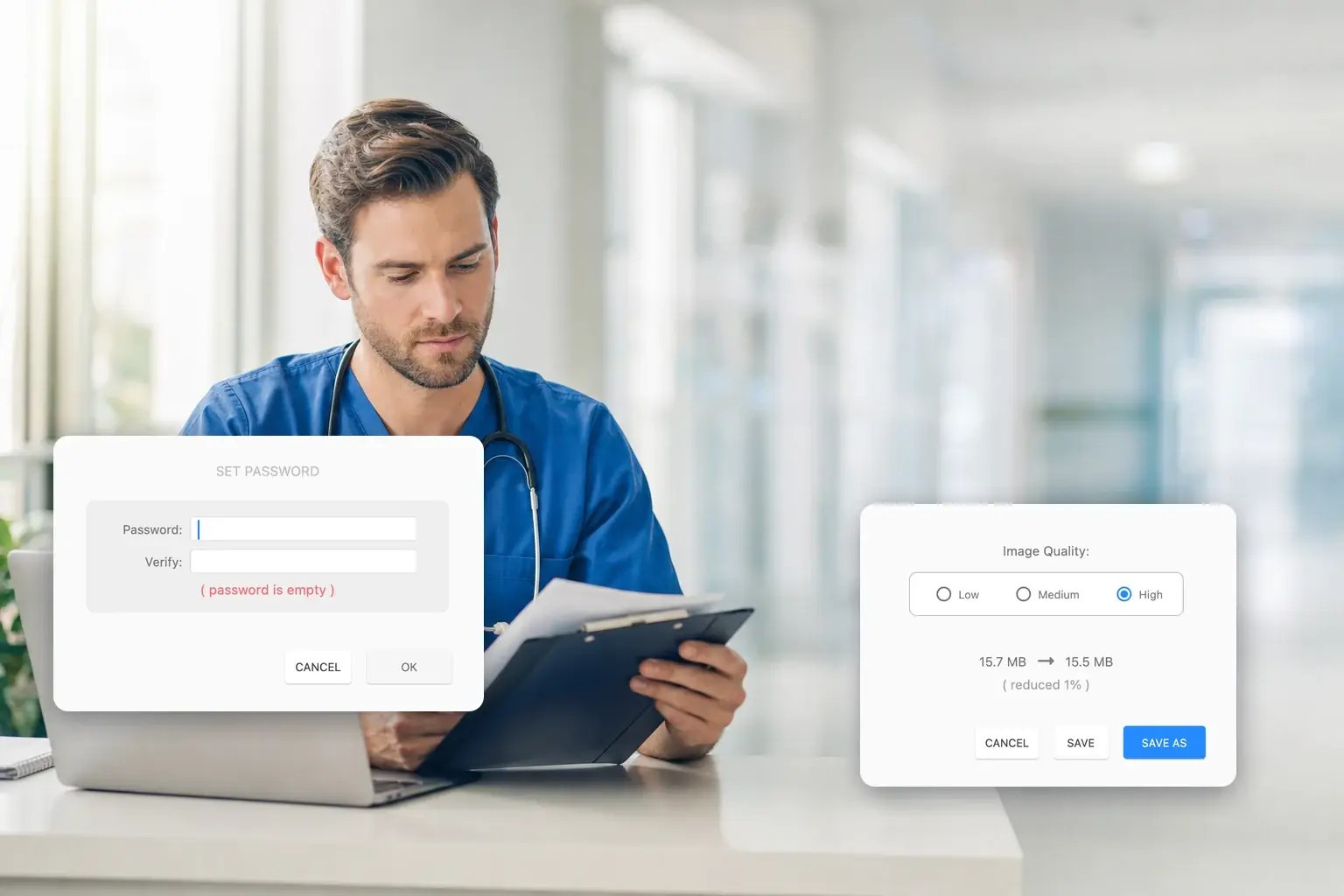
Learn moreSet or remove a password — one document, or a whole folder at once.
Get a heavy PDF down to a size an email will actually accept.
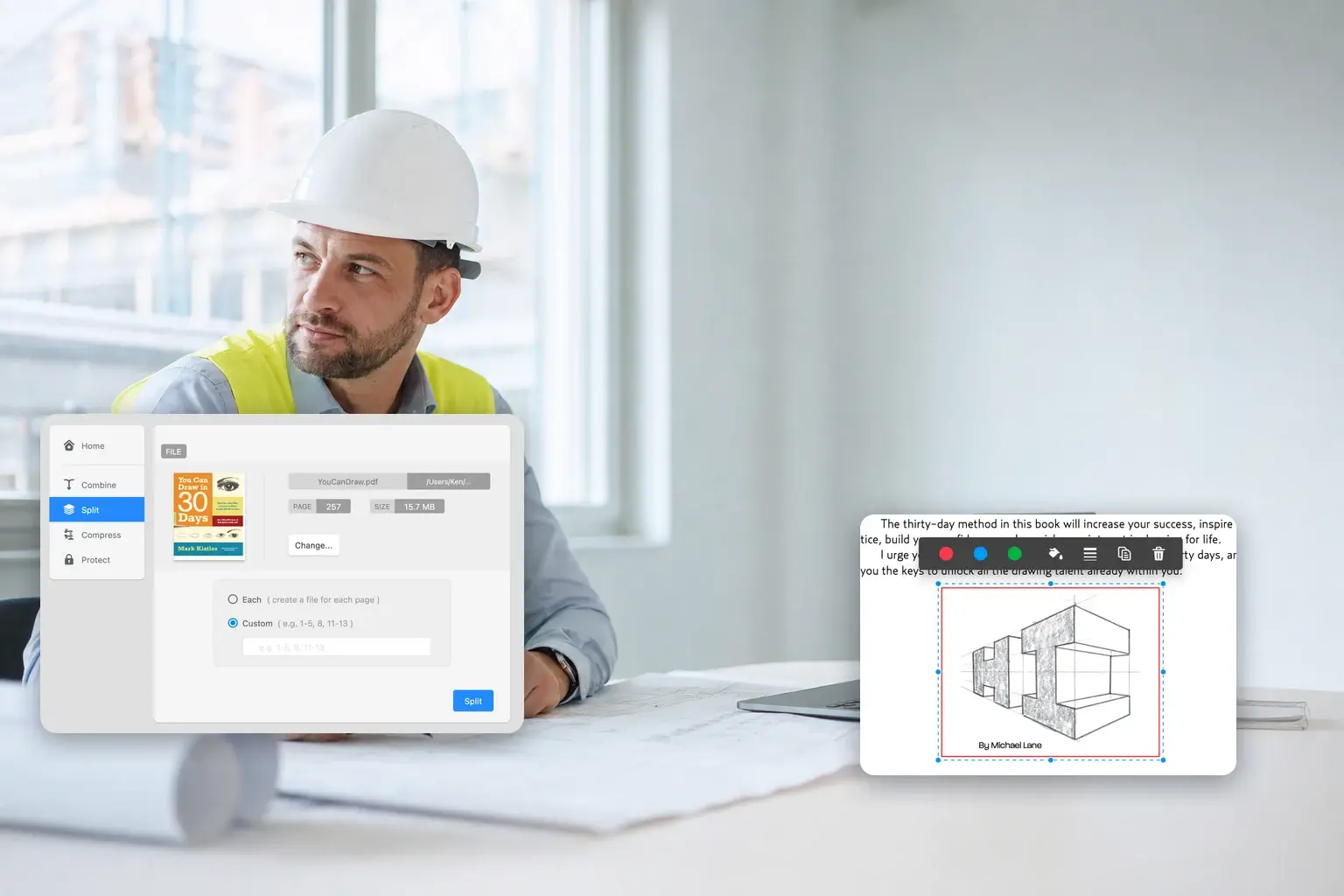
Pull one page — or a range — out into its own file.
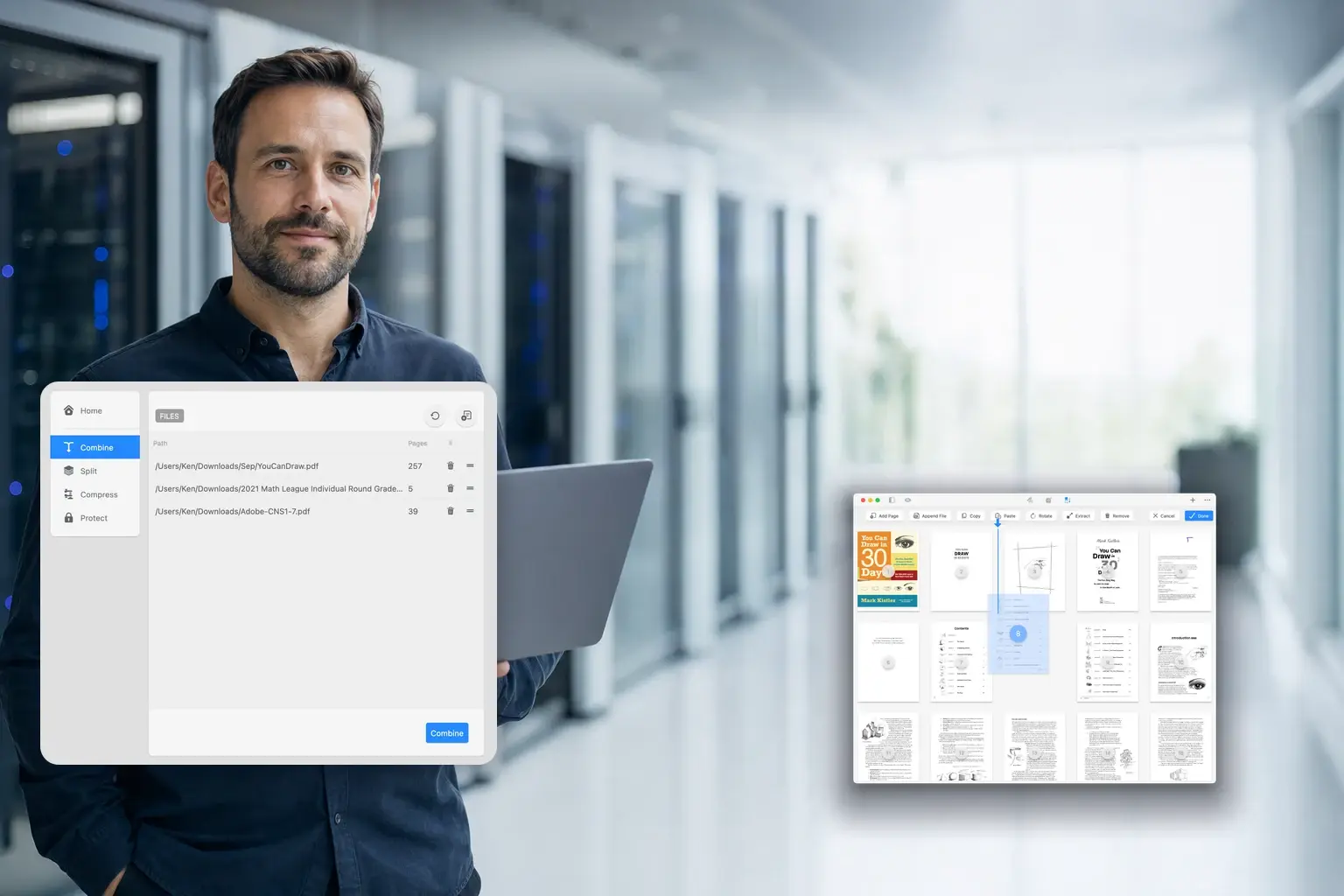
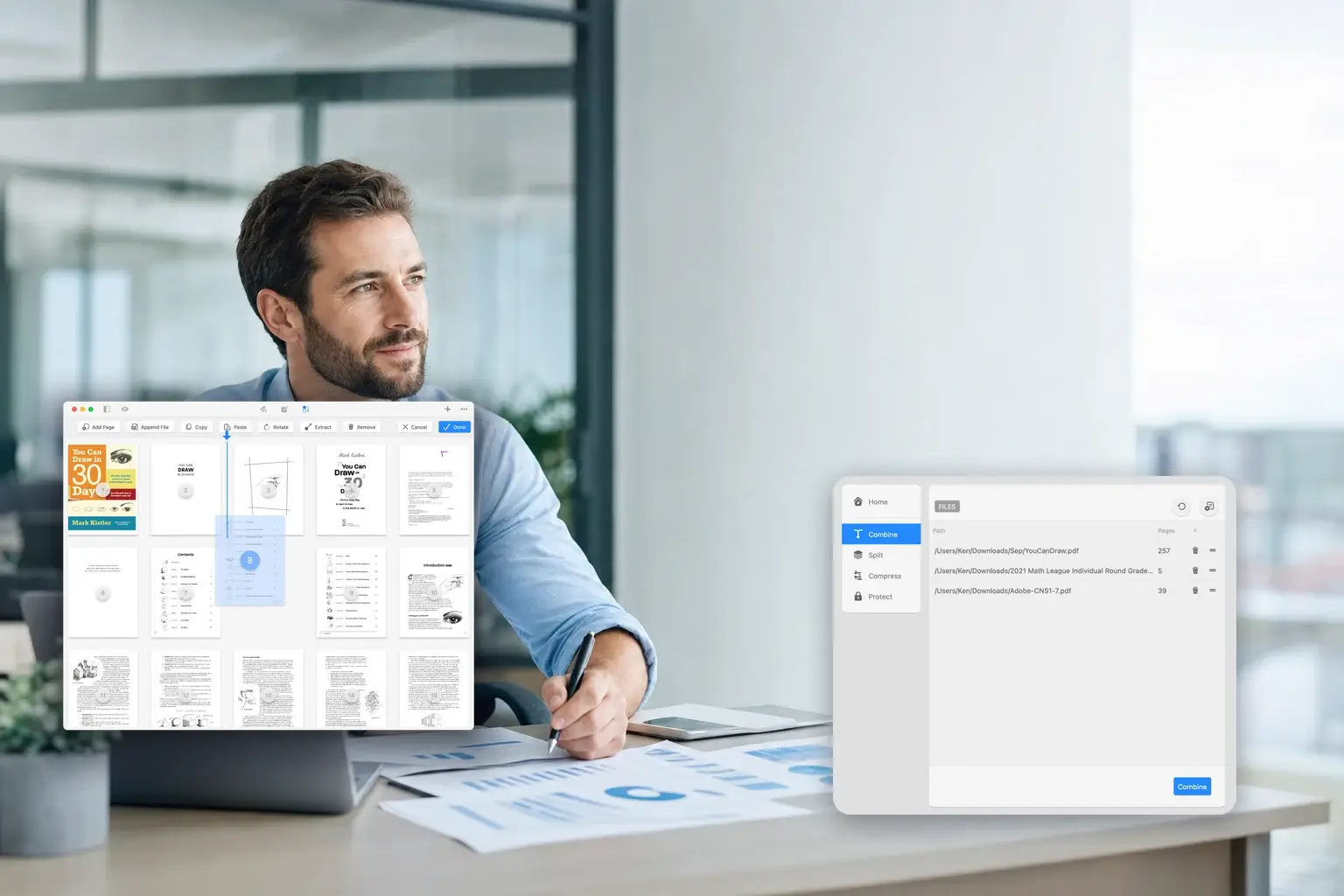
Merge several files into one document, in the order you choose.
Start from images, a text file, the clipboard — or a blank page.
Rebuild the table of contents so readers land where they need to.
01 · Edit
Edit a PDF the way you want. GoodPDF detects the original font, size and opacity so edited text blends in, and lets you add, replace and move images.
02 · Annotate
Mark up PDFs six ways: highlight text, draw freehand, add shapes and arrows, type new text anywhere, leave notes, and drop stamps like Approved or Void.
03 · Sign
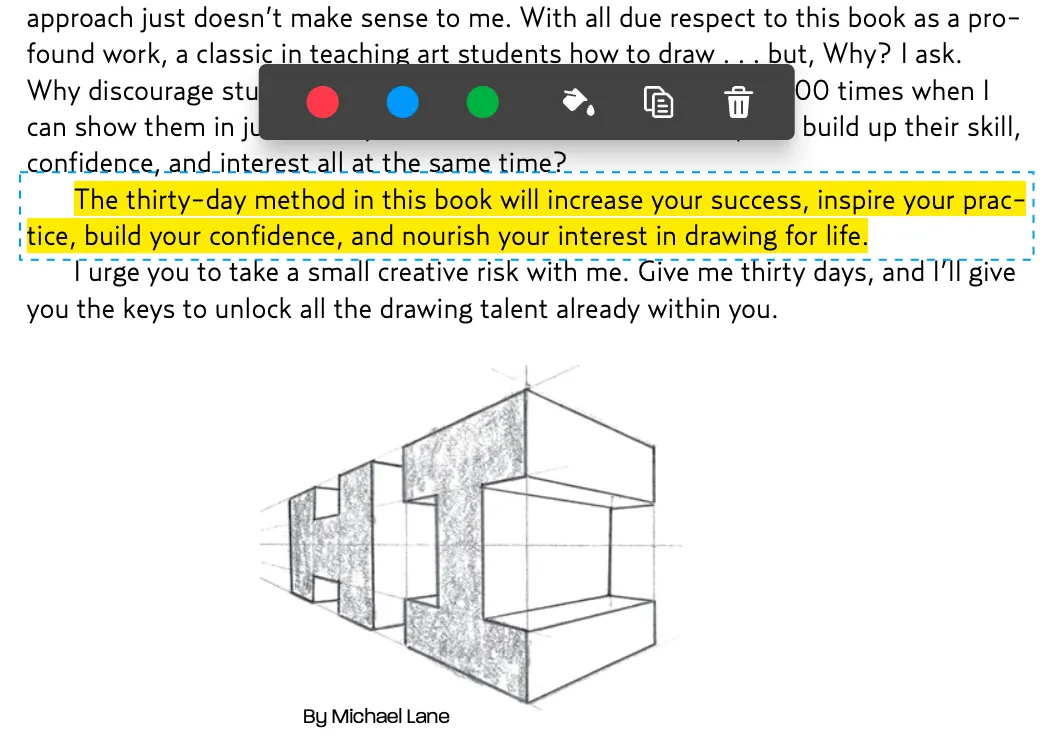
Sign agreements, contracts and invoices on your own desktop. Place your signature anywhere in the PDF and save the signed document — no printing, no scanning.
See how it works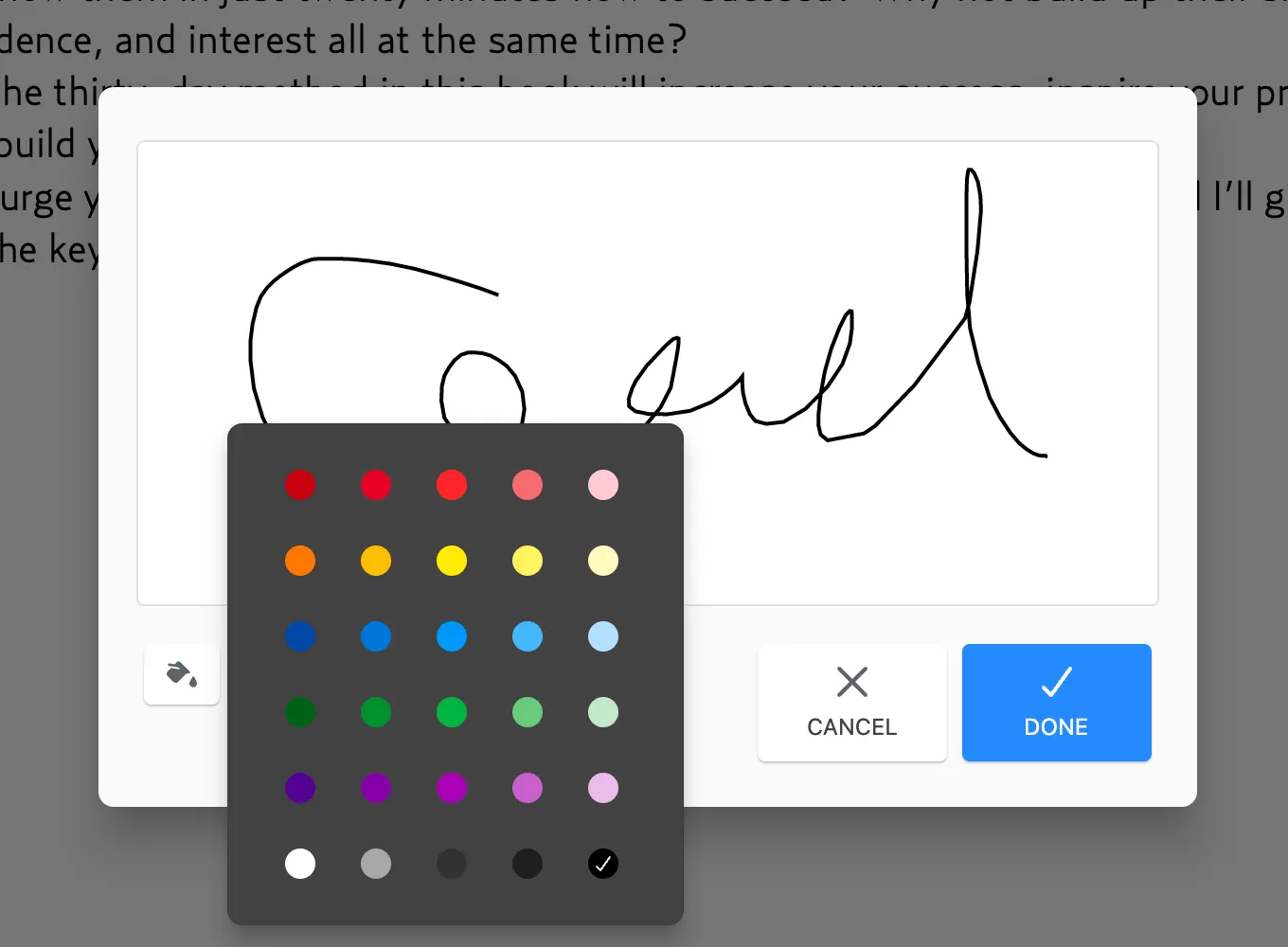
04 · Organize
Arrange PDF pages in a snap. Drag page thumbnails to reorder, then split, delete, rotate, add or crop pages — and combine documents without leaving the app.
See how it works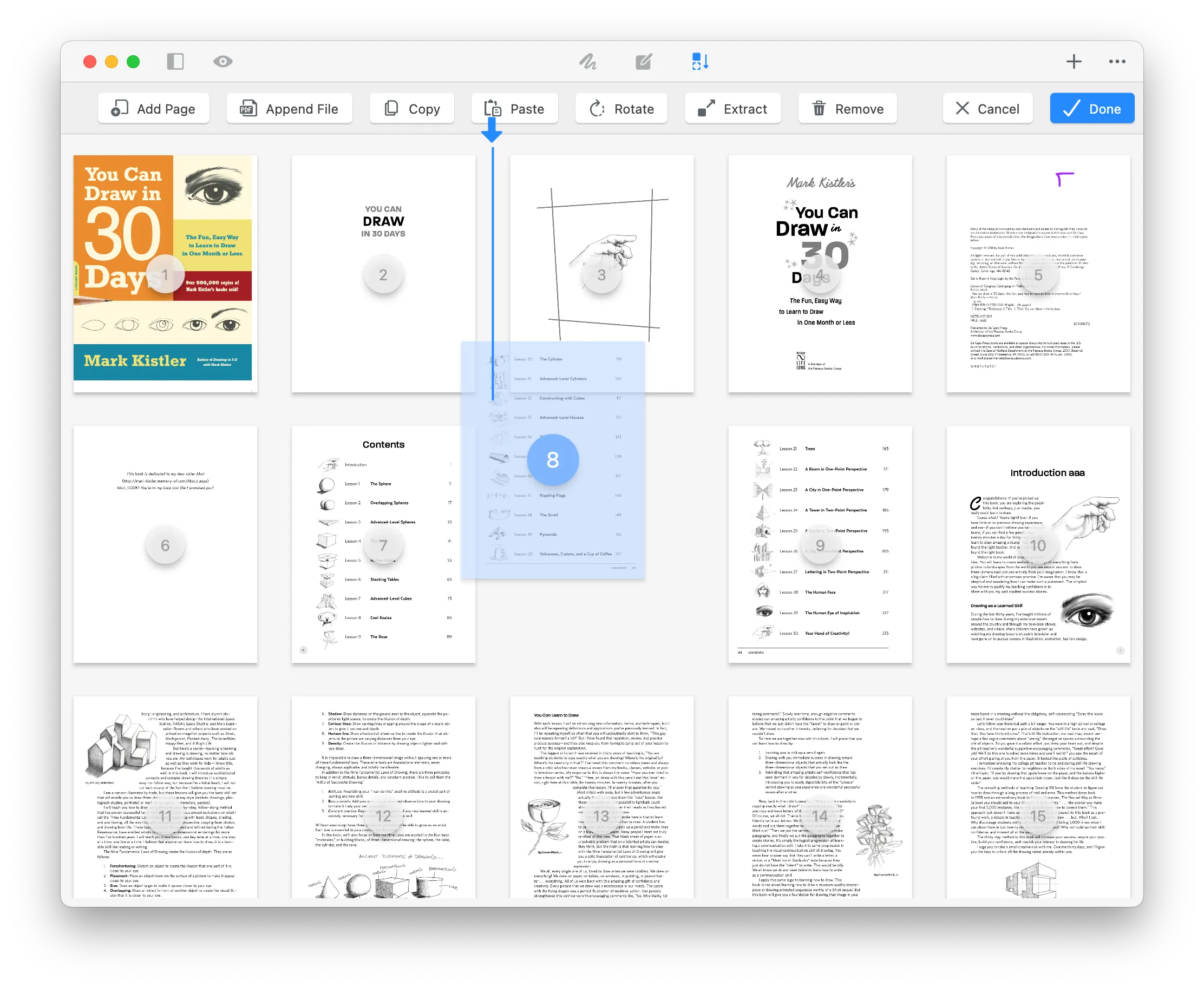
Who it is for
The same PDF editor and the same ten tools, put to work differently depending on what lands in your inbox. Slide through the ones that look like your job.
From the people using it
Every quote below is reproduced word for word — nothing trimmed, nothing tidied up. What people actually use the PDF editor for is more useful than anything we could write about it.
Simple and Easy-to-Use PDF Editor on Mac
I have been looking for a Mac PDF editor that is not complicated to operate, and GoodPDF is very user-friendly. It allows direct editing of text and images within PDFs, and the interface is clean. It basically meets daily needs for handling contracts, reports, and forms.
Convenient PDF Text Editing
The most practical feature of GoodPDF is that it can directly edit PDF text without needing to convert it to Word first. The modified fonts blend naturally with the original text, making it especially suitable for correcting typos, dates, or contact information.
A Good Alternative to PDF Expert for Windows
I have been looking for a fully featured PDF Expert for Windows and later tried GoodPDF. It allows direct editing of PDF text and images, and also supports annotations, signatures, merging, and page organization. The interface is simple, and all the essential functions needed for daily office work are integrated into one application.
No Need to Print and Scan for Signing Contracts
Now when I receive PDF contracts, I can directly annotate and add signatures on my Mac, then send them immediately. The whole process requires no printing or scanning, saving a lot of time.
Easy to Merge and Organize PDF Pages
I often need to merge multiple PDFs into one report. GoodPDF allows dragging pages to reorder them, as well as rotating, deleting, cropping, or splitting pages, making it very convenient to organize long documents.
A Comprehensive PDF Editor for Windows
If you are searching for PDF Expert for Windows, GoodPDF is worth trying. I use it on Windows 11 to handle contracts and reports; editing text, adding signatures, and compressing files are all very convenient. Moreover, documents can be processed locally without needing to upload them to an online platform first.
Suitable for Handling Large PDF Files
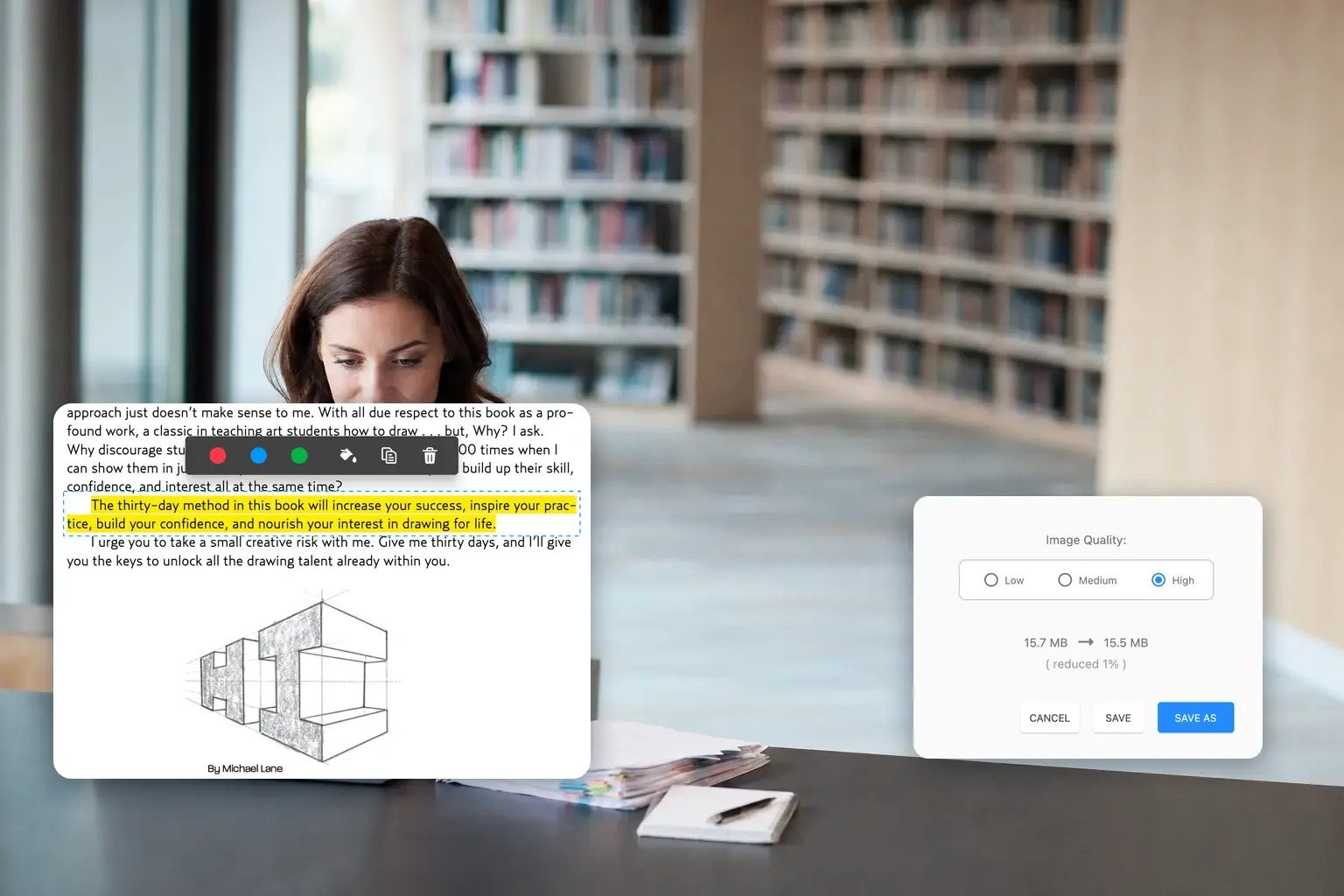
Some PDF attachments are too large to send via email. After compressing with GoodPDF, the file size is greatly reduced. Compression, splitting, and encryption can all be done within the same app, without switching between different tools.
Annotation Features Ideal for Reviewing Documents
Common tools like highlighting, text notes, arrows, shapes, and stamps are all available. When reviewing proposals or contracts, you can directly mark key points and leave comments, making team communication much clearer than describing everything item by item in emails.
Comprehensive Features with a Simple Interface
GoodPDF integrates PDF editing, reading, signing, merging, splitting, and page management functions, yet the overall interface remains clean. Even first-time users can easily find the tools they need.
Attractive One-Time Purchase Option
I don’t like long-term subscription software, so the one-time purchase option offered by GoodPDF is a big plus. For users who frequently handle PDFs on Mac and don’t need complex enterprise features, it offers good value for money.
Easy to Modify Exported PDFs
Sometimes the original document is missing, and only an exported PDF remains. GoodPDF allows direct editing of text, replacing images, or adjusting links without having to remake the entire file, solving a very practical problem.
Mac PDF Tool Suitable for Work and Study
Whether it’s highlighting and annotating papers, organizing course materials, or editing work files and signing contracts, GoodPDF covers it all. With concentrated features and intuitive operation, it is a practical PDF editor for Mac.
Pricing
Every tool in the PDF editor is in the free version. GoodPDF Pro takes the watermark off the files you save and stops the upgrade reminders — one payment, no subscription.
$0no time limit
$9.99once
Where to get it
The desktop app is out on macOS and Windows. It is the same build on both, and one licence covers you on either.
Every tool in the PDF editor, free on your own documents. Saved files carry a small watermark until you go Pro.
DownloadThe same app carries an older name on the App Store, for historical reasons.
About the listingThe same PDF editor on Windows 10 and 11, free to use just like on the Mac. Read what to expect the first time you run it.
for WindowsBefore you download
Every tool is free to use. When you want your files without the watermark, GoodPDF Pro is $9.99 — once, with no subscription.