Available now — GoodPDF 5.0 for Windows
GoodPDF for Windows
GoodPDF is a desktop PDF editor that has been shipping on macOS since 2015. GoodPDF for Windows brings the same app to the PC — the same document engine, the same ten tools, one licence across both.
It edits the finished file rather than converting it into something else and back. That is the difference between a PDF editor for Windows and a converter, and it is what the rest of this page is about.

GoodPDF for Windows
The free trial runs every one of the ten tools on your own documents. No account, no card, no upload — it is a desktop app and your files stay on the machine you opened them on.
Windows 10 (version 1809) or later, 64-bit · 21.2 MB download · updates itself
Windows will warn you
GoodPDF for Windows is not code-signed yet. SmartScreen builds trust on the signing certificate, and without one it can only judge each file on its own — and every release is a new file. So this warning will not fade over time. It means the file is uncommon, not that anything harmful was found in it.
When you open the installer, Windows shows one more prompt, with the publisher listed as unknown. Choose More info, then Run anyway.
Updates inside the app take a different path: each one is signed with our own key and verified before it installs, without going through the browser.
The tools
What it does on the PC
The document engine is shared across platforms instead of rewritten for each one, so the tool set carries over rather than being rebuilt. Every card below is a tool that runs on Windows today.
Edit PDF Document like Word
Text, images and links — all editable in place, with the original font matched for you.
Annotate, Markup, and Highlight PDF As You Please
Highlight, draw, stamp, comment — six ways to mark up a page.
Sign PDF Document
Put your signature on an agreement or invoice without printing it.
Organize PDF Document
Drag page thumbnails to reorder. Split, rotate, crop and delete.
Protect PDF Document
Set or remove a password — one document, or a whole folder at once.
Compress PDF Document
Get a heavy PDF down to a size an email will actually accept.
Follow any card to see the tool working, with screenshots from the shipping app.
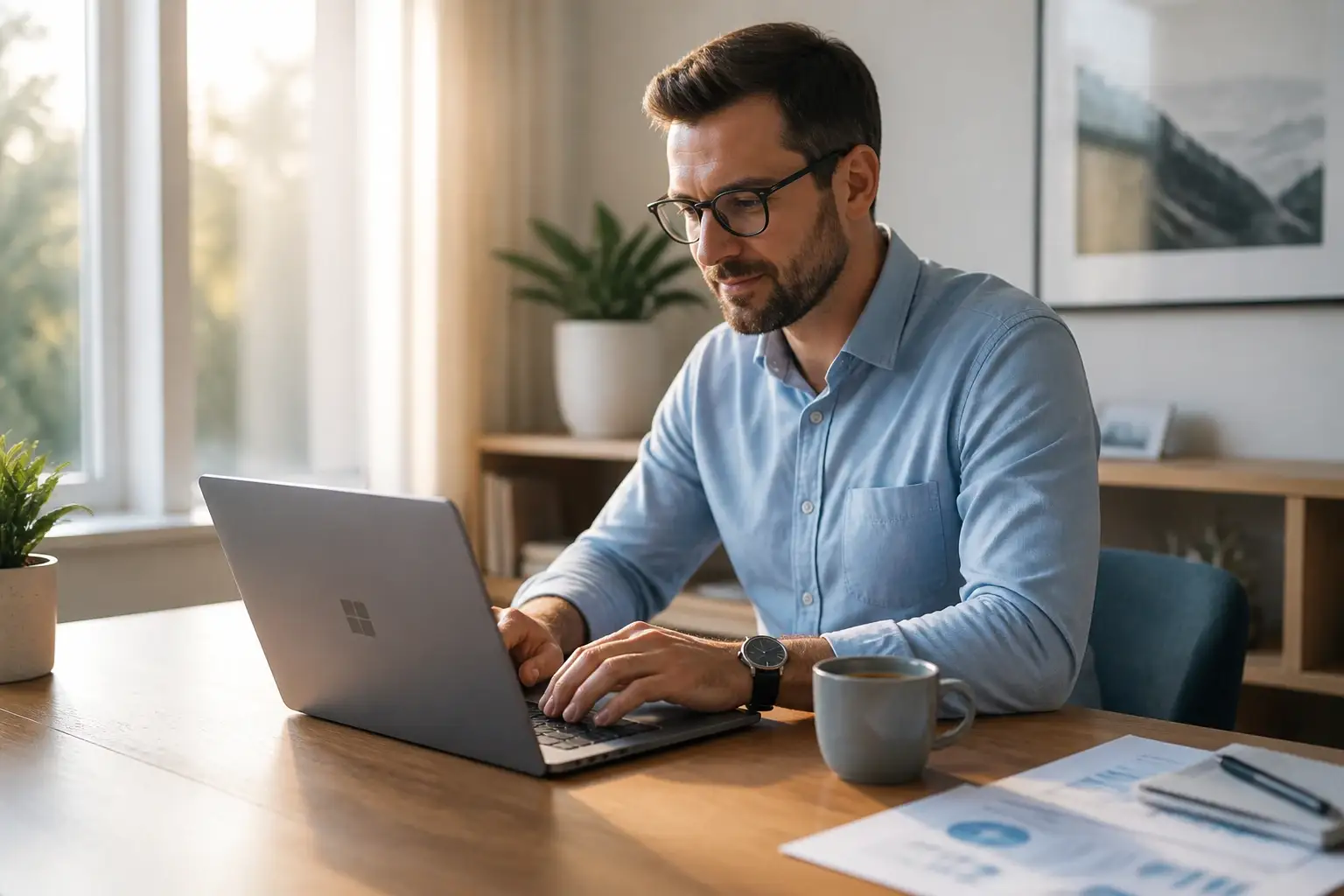
On the laptop, after hours
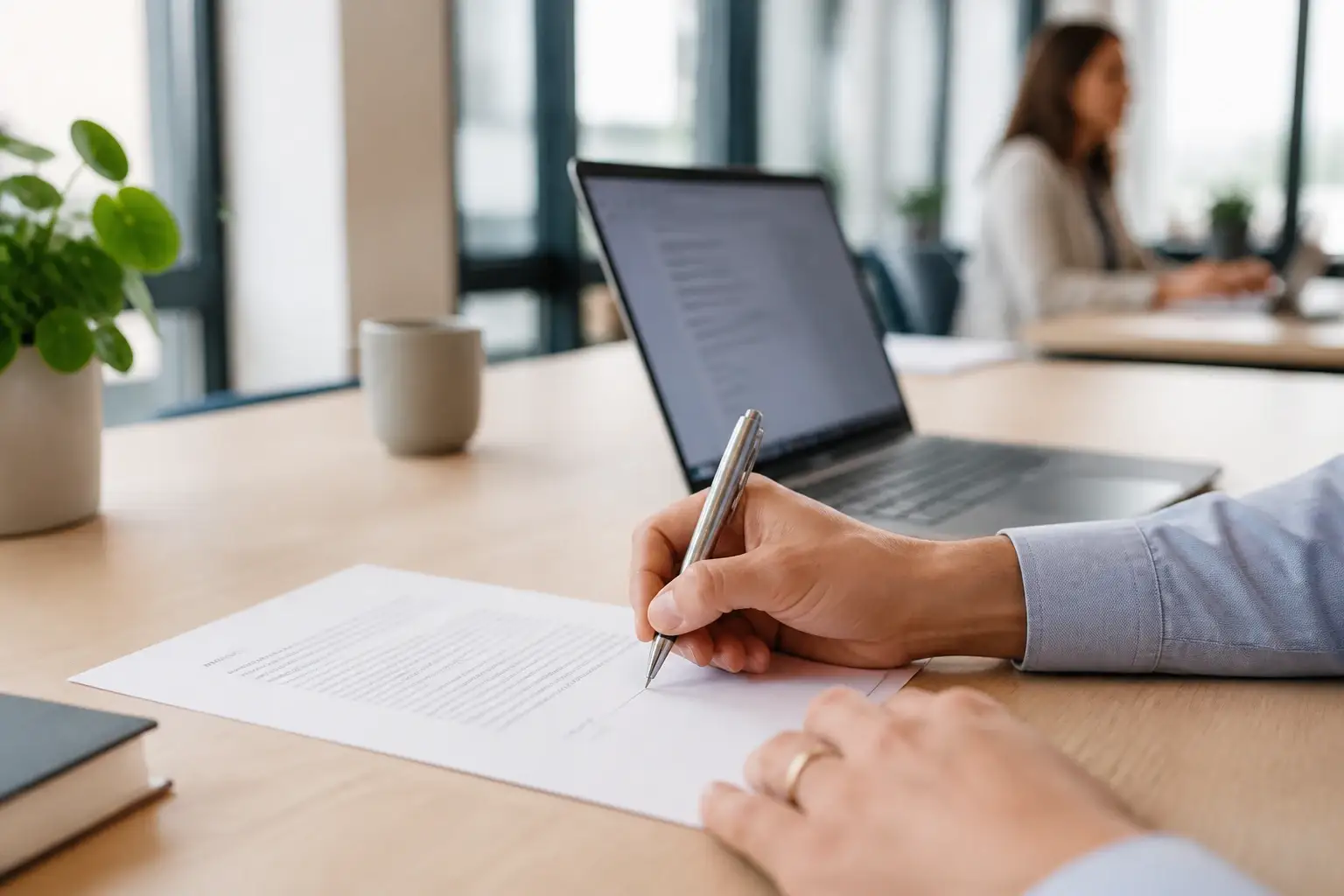
Signed without printing

Pages put in order

Straight to the office printer
Why it is called that
Editing a finished PDF is the hard part
Most Windows tools that claim to edit a PDF do not really edit it. They convert the file into something else — a document, a set of images — let you change that, and then export a new PDF. You can usually tell from the result: the fonts have shifted, the layout has moved, and anything the converter did not understand has quietly disappeared.
Editing the finished file instead means the app has to understand the document the way a renderer does: where every glyph sits, which font it was set in, what it would look like if a word got longer. That is a document engine, and it is the part that takes years rather than weeks. It is also the part that earns the word expert.
That engine is shared across platforms rather than rewritten for each one, which is why the Windows build is the same app rather than a lighter companion to the Mac one. What is genuinely per-platform is everything around it — file dialogs, printing, thumbnails, the update mechanism — and on Windows those are now done.
One difference is worth stating plainly: the Look Up definition panel is a macOS system service with no Windows equivalent, so that menu item does not appear here. Everything else is the same software.
Try it on your own documents
The trial is the full Windows build — every tool, your own files, no account. Open the PDF that other editors mangled and see what comes out.
Straight answers
Windows questions
- Is GoodPDF for Windows free?
- It has a free trial that runs every tool on your own documents, with no account to create and no card up front. A licence is a one-off purchase or a subscription — the same licence works on macOS and Windows, on up to five devices.
- Why does Windows say the publisher is unknown?
- Because GoodPDF for Windows is not code-signed yet. SmartScreen shows “Windows protected your PC” for downloads it has not seen from a known publisher. Choose More info, then Run anyway. Every release is signed with the same key the built-in updater checks, so once it is running it will only install updates that came from us.
- Where does it install?
- Into your user folder, so setup never asks for an administrator password. It adds a Start menu entry and an uninstall entry under Installed apps, and keeps itself up to date from then on.
- What does it need to run?
- Windows 10 (version 1809) or later, 64-bit. The download is about 21.2 MB, or roughly 67 MB once installed. It is a desktop application — nothing is uploaded to convert your file, and no browser is involved.
- Is anything missing compared with the Mac version?
- One thing: the Look Up definition panel, which is a macOS system service with no Windows equivalent, so that menu item does not appear. Everything else — editing, annotation, signing, page organisation, printing, thumbnails and the updater — is the same app on both platforms, because the document engine underneath is shared rather than rewritten per platform.
Still not covered? Ask us directly — we answer in under 24 hours.